
On this page
By  @inxanity06, founder of SaneCode · Updated
Why not use a second Windows user for your second Claude account?
Short answer: It works, but only for one account at a time. A second Windows user gets its own Claude desktop with its own sign-in, so both accounts stay signed in. But you see only one of them: to use the other you switch users, and your whole desktop changes with it, including your files, your browser and your Claude Code setup. It’s the right answer when two people share one PC. For one person with two accounts, a second Claude desktop on your own Windows user is quicker, and SaneCode shows both side by side in one window.
It’s a common first idea. Claude desktop signs in one account at a time, so when someone has a work account and a personal one, the obvious Windows answer is “make another user”. Here’s what that gets you.
Key takeaways
- Each Windows user has its own Claude. Its own sign-in, chats, settings and connectors.
- Only one is on screen. Switching users swaps the whole desktop; you can’t see both accounts at once or copy between them in one window.
- Your work stays in your user. Projects, browser sign-ins, Claude Code’s
.claudefolder, plugins and MCP servers are per Windows user, so the second user starts empty. - Great for two people sharing a PC. Each person’s chats and files stay theirs.
- For one person, use a second Claude on the same user: its own data folder, both open at once.
How do you set up a second Windows user for Claude?
- Open Settings → Accounts → Other users and choose Add account
(
 Microsoft Support).
You can add it without a Microsoft account.
- Sign in to the new user once, so Windows sets up its folders.
- Install Claude desktop there, from claude.com or the Microsoft Store. Apps installed for one user often aren’t there for the other.
- Open Claude and sign in with your second Claude account.
To move between them, press Ctrl+Alt+Del and choose Switch user, or pick the other user
from the Start menu. Windows keeps both sessions running: “you move between different user
accounts on the same device without closing any applications or ending the current session”
(Microsoft Support).
So a Claude answer you left running keeps going while you’re in the other user.
What do you give up with a second Windows user?
Seeing both accounts. Only one user’s desktop is on screen. You can’t keep your work Claude open next to your personal one, glance at the other’s answer, or drag text between them. Every switch is a trip through the lock screen.
Your files and projects. Each user has its own C:\Users\<name> folder. A project in your
main user isn’t in the second user’s Documents, and by default the second user can’t open your
folders. Claude Code in the second user works on its own copies, or you share a folder and fix its
permissions.
Your Claude Code setup. Claude Code keeps its settings, plugins, skills, MCP servers and
conversations in %USERPROFILE%\.claude, one per Windows user. The second user starts with none
of them, so you install and sign in to everything twice, and a conversation from one account
can’t be picked up in the other.
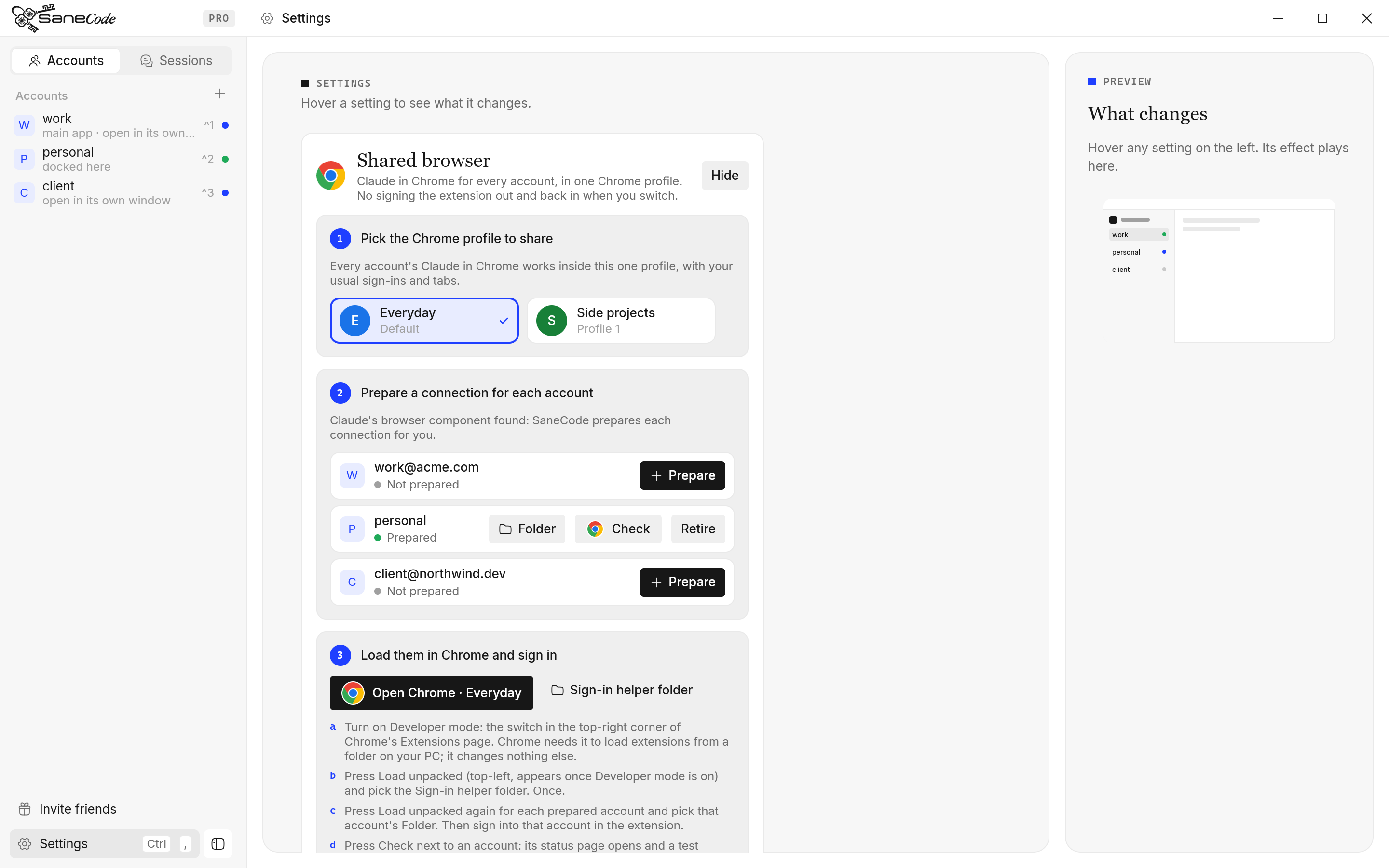
Your browser. Chrome, Edge and their sign-ins are per Windows user too. Gmail, GitHub and Claude in Chrome start signed out in the second user.
What about “Run as different user”? Shift+right-click on an app offers Run as different
user, which shows the other user’s app on your desktop. It isn’t a fix for Claude. Microsoft Store
apps don’t offer it at all, and Claude’s sign-in link (claude://) is registered for each Windows
user, so the browser on your desktop hands it to your own Claude, not the other user’s.
When is a second Windows user the right choice?
When the second account belongs to another person. A shared family PC, or a coworker using your machine: each person gets their own Claude sign-in, chats, files and Claude Code history, and neither sees the other’s. It’s free and built into Windows. Never share one Claude sign-in instead: Anthropic’s terms forbid sharing an account (are multiple Claude accounts allowed?).
What’s better for one person with two Claude accounts?
Keep one Windows user and run a second Claude desktop with its own data folder. Claude desktop is
an Electron app, and Electron keeps a sign-in in one data folder; start Claude with a different
folder (--user-data-dir) and you get a second Claude, signed in to your other account, open at the
same time, with your own files, browser and Claude Code setup
(step by step).
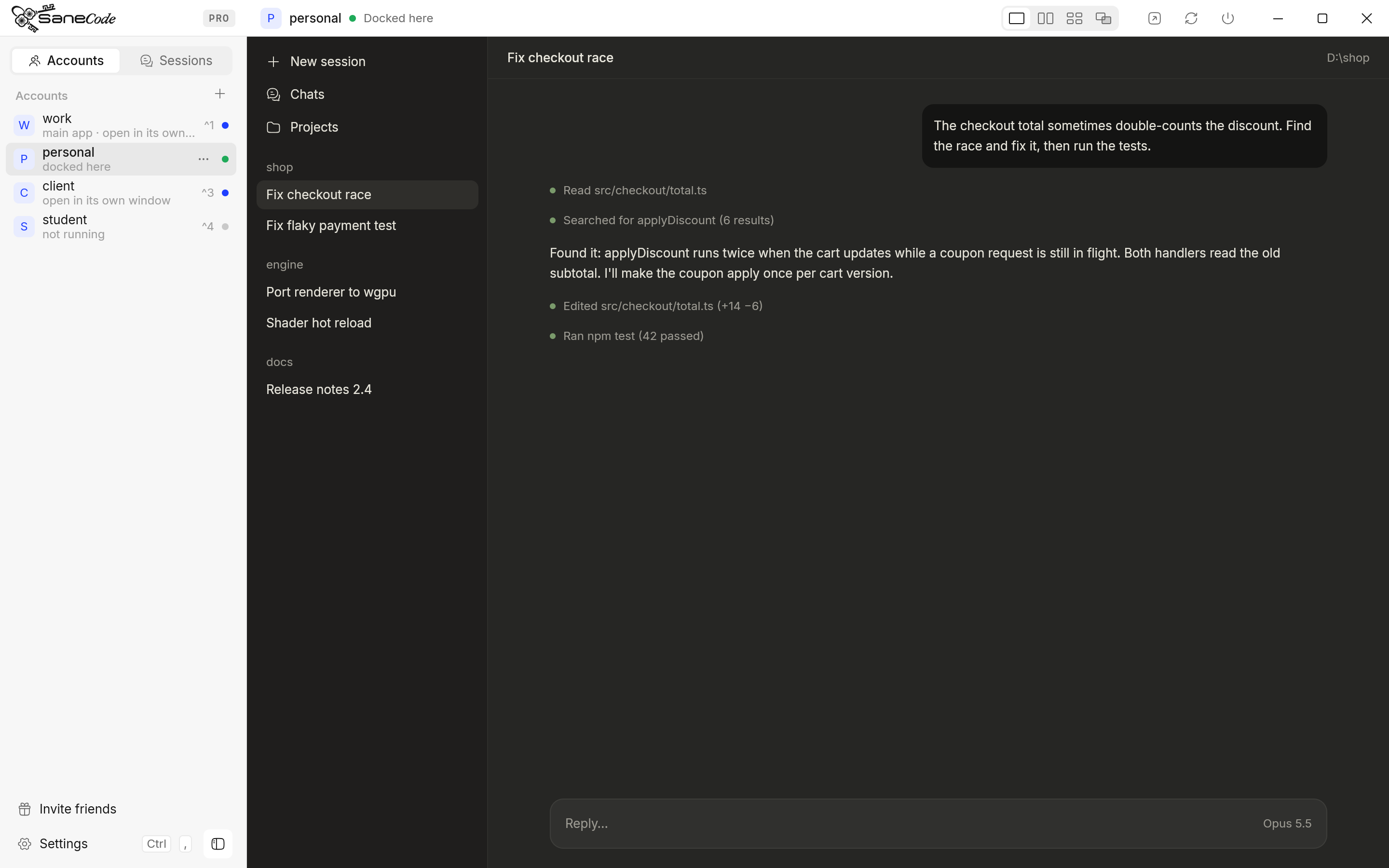
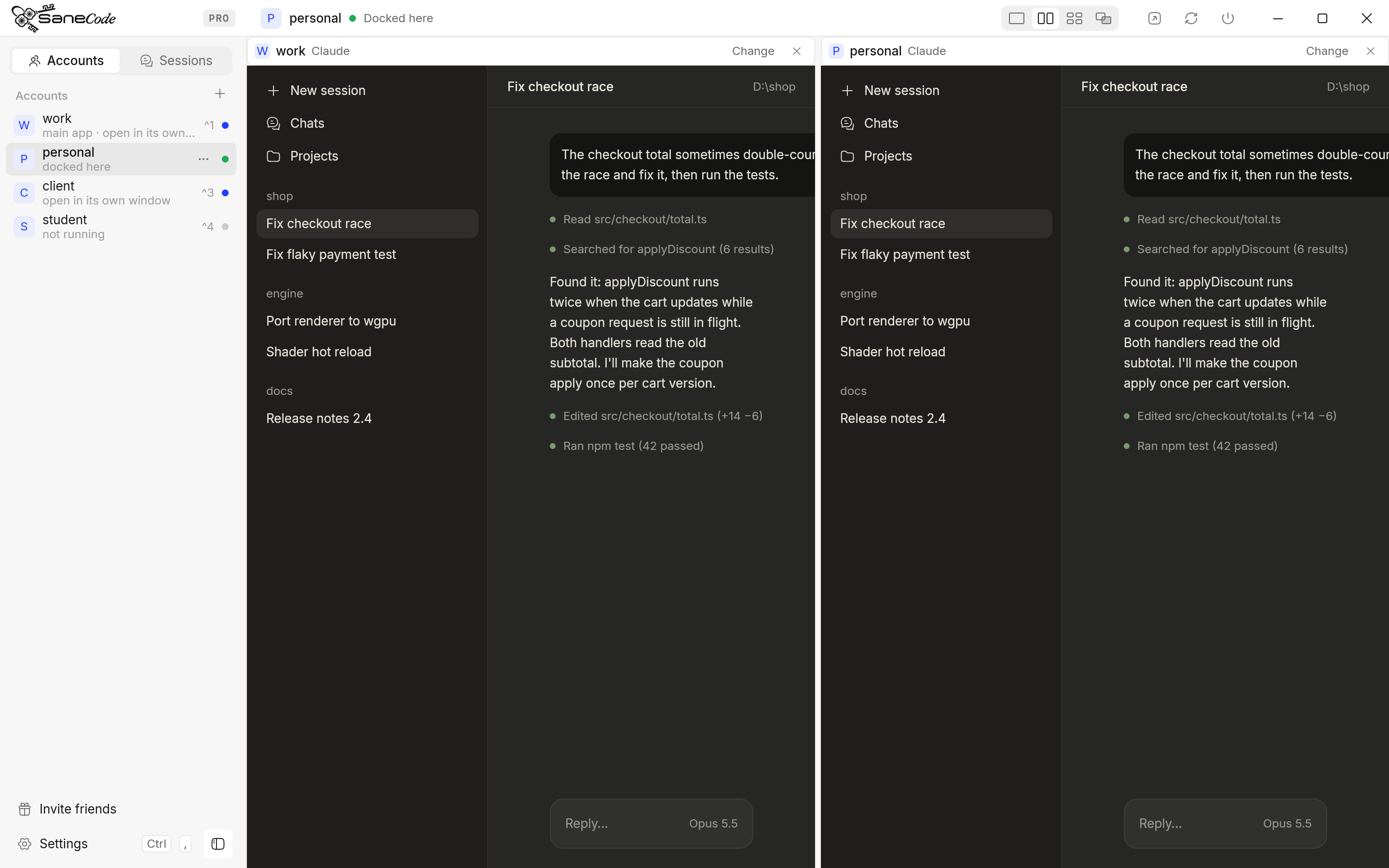
SaneCode does that for you and docks every account in one window: switch with a click or Ctrl+1, put two side by side, and move a Claude Code conversation to the other account when one hits its usage limit. Two accounts are free.
| Second Windows user | Second Claude, same user (--user-data-dir) |
SaneCode | |
|---|---|---|---|
| Both accounts signed in | Yes | Yes | Yes |
| Both on screen at once | No, switch users | Yes, two windows | Yes, in one window or side by side |
| Your files and projects | Separate per user | Shared | Shared |
| Claude Code plugins, skills, MCP | Set up twice | Shared | Shared |
| Browser sign-ins | Separate per user | Shared | Shared |
| Sign-in to the second account | Normal | Sign-in link opens the first Claude | Guided, goes to the right account |
| Cost | Free | Free | Free for 2 accounts |
| Best for | Two people | One person, comfortable with PowerShell | One person, all day |
FAQ
Can two Claude accounts run at the same time on two Windows users?
Yes. Windows keeps both sessions running when you switch users, so both Claudes stay open and signed in. You only see one desktop at a time.
Does Claude need to be installed again for the second Windows user?
Often, yes. Claude desktop is usually installed for one Windows user, so install it again from claude.com or the Microsoft Store in the second user.
Can the second Windows user see my projects and chats?
Not your chats: they belong to your Claude account. Not your projects either, by default: each user has its own folder, and Windows keeps one user out of another’s files unless you share them.
Is a second Windows user safer than a second Claude on the same user?
For two people, yes, because each person’s files stay private. For one person it adds nothing: both accounts are yours, and a second data folder keeps their sign-ins apart just as well.
How did we check this?
From daily use, on current apps. We use the Claude desktop app with several of our own accounts on one Windows user every day and keep it up to date, on Windows 11 with Claude desktop 6.6395 from the Microsoft Store, November 26, 2026. For the second-user side we followed Microsoft’s own pages on user accounts and switching users, linked above.
The bottom line
A second Windows user is the right tool for a second person. For your own second Claude account it costs you your files, your setup and the view of both accounts. Keep one user, give each Claude account its own data folder, or let SaneCode do it and show them side by side.
Related: How to switch between Claude accounts without logging out · Personal and work Claude accounts on one computer
SaneCode is not affiliated with Anthropic. Claude is a trademark of Anthropic, PBC.
SaneCode runs the official Claude desktop once per account. Free for 2 accounts.
 Are multiple Claude accounts allowed? What Anthropic's rules say (2026)Yes, you may have several Claude accounts. Anthropic's own apps switch between them. What its rules forbid: sharing, ban evasion and resold access.
 Claude Code with multiple accounts: CLAUDE_CONFIG_DIR, CLIProxyAPI and switchers explainedUse two or more Claude accounts in Claude Code without /logout: one CLAUDE_CONFIG_DIR folder per account, PowerShell and bash setups, and the rules.
 How to use Claude in Chrome with multiple Claude accounts (2026)Claude in Chrome signs into one Claude account. Three ways to use it with several accounts: sign the extension out and in, a Chrome profile per account, or SaneCode's shared browser.