
SaneCode docs
SaneCode lets you use several Claude accounts on one Windows PC without ever signing out. Each account runs as its own copy of the official Claude desktop app, with its own sign-in, chats, Code sessions and connectors. SaneCode starts them and shows them in one window, beside a sidebar of your accounts. How SaneCode works explains what runs, where your data lives, what every account shares and exactly what SaneCode changes on your PC.
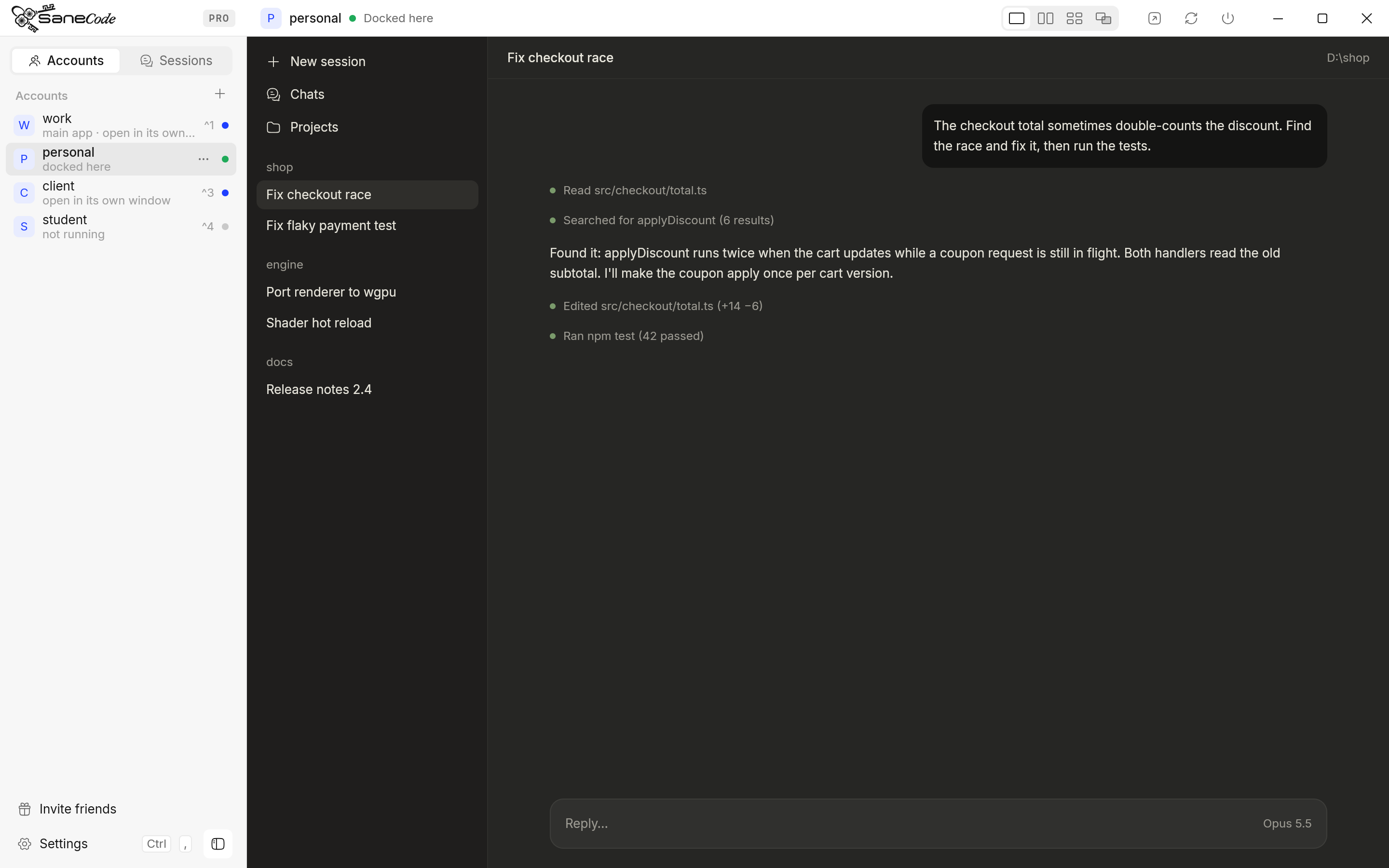
What you can do
- Switch accounts instantly: click one, or press Ctrl+1…9. The others keep running. Nothing signs out, not even claude.ai in your browser.
- Run several at once: one account can keep generating while you work in another.
- See them side by side: Split and Grid (free) or a free-form Canvas (Pro), with any account or chat in any pane. See Layouts.
- Keep popped-out chats in reach: a chat you pop out of Claude comes in as a tab when you ask.
- Continue a session in another account when one hits its usage limit: same conversation, same project folder.
- Keep your existing Claude: SaneCode finds it and brings it in, still signed in.
- Theme Claude desktop: one setting gives Claude Code in every account a custom theme, in light or dark. See Claude themes.
Start here
- Install and first run
- Add your other accounts
- Learn the shortcuts and windows
- Put accounts side by side with layouts
- Continue a conversation in another account after a usage limit or send “Continue” or your own prompt when the limit resets, for Codex too
- Share MCP servers with every account
- Use Claude in Chrome from every account in one Chrome profile
- Theme Claude desktop and Claude Code in every account
SaneCode is not an orchestrator: it doesn’t put its own interface in front of Claude or drive it through the CLI. You talk to the official Claude desktop directly; SaneCode keeps your accounts in one place and takes care of sign-ins, switching and moving conversations between them.
SaneCode is for Claude desktop on Windows (from claude.com or the Microsoft Store). It isn’t made by or affiliated with Anthropic.
Written by the founder, @inxanity06 · Updated 2026-11-16